Overview
Thunder Force is a user-friendly trading system for MetaTrader 4 (MT4) platform that helps traders spot buying and selling opportunities in the forex market. It uses easy-to-understand color signals and trend indicators to show when to enter or exit trades. The system works well for both new and experienced traders.
How It Works
The system combines three powerful indicators that work together to help you make trading decisions:
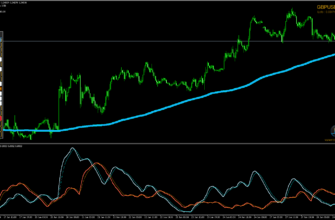
- ThunderMain: The main signal generator that combines technical tools like moving averages, RSI, and support/resistance levels.
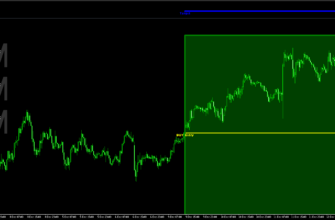
- Flash Volt: A trend indicator that adds visual clarity, but it can be used optionally.
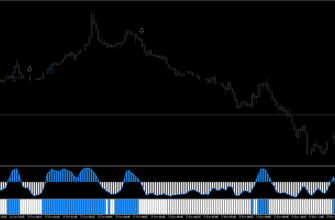
- Metal Candles: A multi-timeframe indicator showing the trend direction across different timeframes to confirm the signal.
When these indicators work together, they give clear signals:
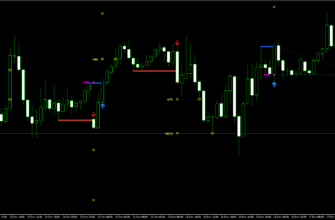
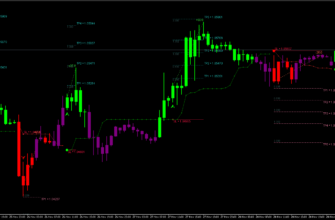
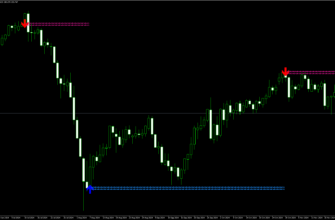
- For buying: Look for a green up arrow and four green squares
- For selling: Look for a red down arrow and four red squares

Key Features
- Simple, color-coded signals for easy trading
- Three key indicators: ThunderMain, Flash Volt, and Metal Candles
- Work on any currency pair and also with other assets like stocks, commodities, and even cryptocurrencies
- Best performance on M15, H1, H4 timeframes
- Can send alerts to your email or phone
- Works well during London, New York, and Asian sessions
- Supports multiple trading styles
Key Advantages for Traders
- Non-repainting indicators (signals don’t change after they appear)
- Work well for both short-term and medium-term trading
- Can be used with a small deposit and low lot sizes, making it accessible for beginners
- Include multiple confirmation tools to help make better trading decisions
- Flexible stop-loss and take-profit settings

How to install Thunder Force Forex System
- Download the Thunder Force Forex System archive file using this link or the download button above.
- Open your MetaTrader 4 application, click File – Open Data Folder.
- Open the “MQL4” folder within the MT4 directory.
- Find the “Indicators” subfolder and open it.
- Copy the downloaded Thunder Force Forex System files into the “Indicators” folder.
- Find the “Templates” subfolder and open it.
- Copy the downloaded Thunder Force Forex System files into the “Templates” folder.
- In MT4, navigate to the “Navigator” window on the left side of the interface.
- Right click anywhere inside the “Navigator” window and click “Refresh”.
- Find the “Templates” button on the top. Click it and choose Thunder Force Forex System.
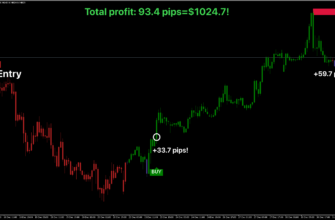
Once installed, the Thunder Force Forex System will display its signals and information directly on your chart. Watch for buy/sell signals, depending on your settings, and use the provided information to make right trading decisions.
Conclusion
Thunder Force Forex System is a practical tool for MT4 traders who want clear trading signals without complicated analysis. I believe It’s especially good for beginners because of its simple visual signals, but experienced traders can also benefit from its trend-following approach. As with any trading system, it’s smart to practice on a demo account first and always use proper money management rules.