Overview
The PipFinite Trend Pro Indicator is a popular tool for Forex traders who use MetaTrader 4 (MT4) platform to help them spot market trends and make smart trading choices. It provides precise entry and exit points for trades and filters out unnecessary market noise. This indicator was released on January 15, 2018, and has gained a good reputation among traders.
The Developer’s Vision
The developer, Karlo Wilson Vendiola, a programmer from the Philippines, created this indicator to assist traders by reducing the complexity of identifying market trends. By incorporating statistical calculations, the goal is to give users easy-to-understand signals, allowing them to focus on trading rather than analyzing the market. The developer recommends using it for M15 and H4 charts for the best trading experience.
How it Works
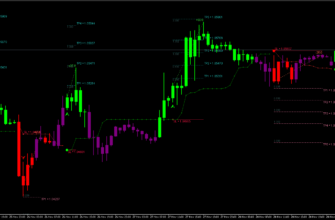
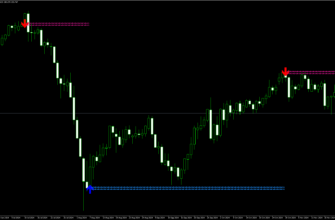
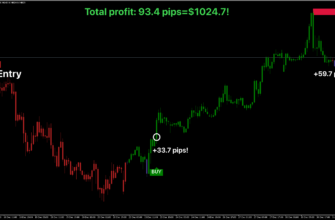
PipFinite Trend Pro uses smart math to analyze past market trends. It calculates a “trend score” based on these trends, where a higher score indicates a stronger trend. When a trend is identified, the indicator provides clear signals (arrows on the chart) for when to enter or exit a trade. It also suggests stop loss and take profit levels, which adjust according to market volatility. Basically, here’s how it works:
- It looks at past price movements
- It uses special formulas to spot trends
- It calculates how strong the trend is
- It shows buy or sell signals on the chart
- It gives a “success rate” for each signal
And when the success rate is over 65%, the indicator suggests entering a trade.

Key Features
- Trend detection system using price patterns, moving averages, etc.
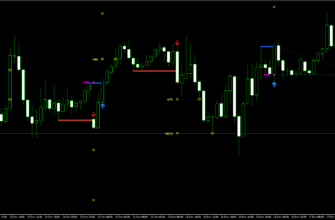
- Entry and exit signals with arrows on the chart
- Statistical analysis of past signals for trend reliability
- Stop loss and take profit suggestions
- Success rate calculation for each signal
- Customizable settings for sensitivity and alerts
- Works for all currency pairs and timeframes, with recommendation for M15 and H4 charts
Key Advantages for Traders
- Easy to use: You receive clear buy/sell signals with stop loss/take profit levels
- Helps catch big market moves early
- High success rate: Trade entries are recommended when the trend success rate exceeds 65%
- Automated alerts: You get notified via pop-up, email, or sound when a new trade signal is available
- Non-repainting indicator: Signals don’t change after they appear, making it more reliable

How to Install PipFinite Trend Pro Indicator
- Download the PipFinite Trend Pro Indicator file using this link or the donnload button above.
- Open your MetaTrader 4 application, click File – Open Data Folder.
- Open the “MQL4” folder within the MT4 directory.
- Find the “Indicators” subfolder and open it.
- Copy the downloaded PipFinite Trend Pro Indicator file into the “Indicators” folder.
- In MT4, navigate to the “Navigator” window on the left side of the interface.
- Right click anywhere inside the “Navigator” window and click “Refresh”
- Expand the “Custom Indicators” section.
- Find the PipFinite Trend Pro Indicator in the list, then drag and drop it onto your desired chart.
- Adjust the settings in the indicator’s properties window if desired (the default settings are optimized for immediate use).
- Click “OK” to apply the indicator to your chart.
Once installed, the PipFinite Trend Pro Indicator will display its signals and information directly on your chart. Watch for buy/sell signals, depending on your settings, and use the provided information to make right trading decisions.
Conclusion
The PipFinite Trend Pro Indicator provides clear signals with a succession rate of more than 65%. It’s a great tool for both new traders and more experienced ones to help you understand trend trading. Just follow the signals and success rate!
Remember to practice using the indicator on a demo account before applying it to live trading, and always use proper risk management techniques in conjunction with the PipFinite Trend Pro’s signals.