Overview
PipFinite Trend Laser is a powerful tool for MetaTrader 4 (MT4) platform that helps traders spot market trends. It’s designed to cut through market noise and give clear signals when to buy or sell. This tool is great for both new and experienced traders who want to make better trading decisions.
How it works
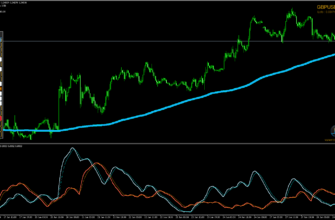
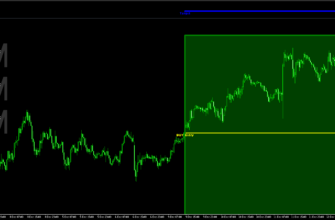
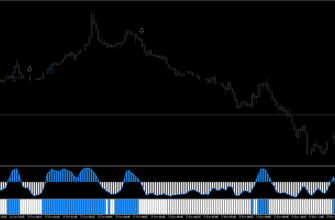
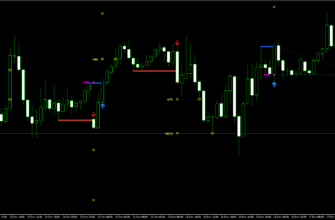
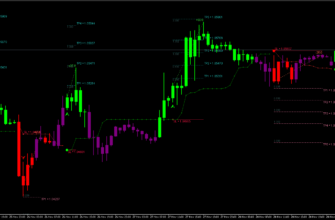
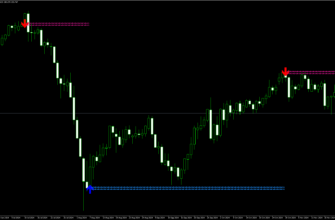
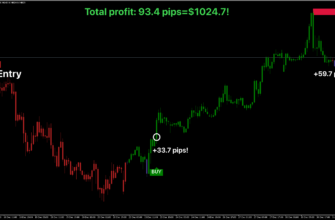
The PipFinite Trend Laser uses advanced algorithms to detect trends and filter out false market movements (whipsaws). It analyzes price action and calculates possible profit targets, giving traders a clearer picture if the market is going up, down, or sideways. When it spots a trend, it gives a signal to the trader. This indicator works across different timeframes and is suitable for a variety of assets, such as:
- All Forex currency pairs
- Stocks
- Commodities
- Cryptocurrencies
- Precious metals
- Oil and gas

Key features
- Advanced trend detection: Finds market trends and filters out fake signals
- Statistical analysis: Looks at past profits to suggest future targets
- Flexible use: Can be used on its own or with other indicators
- Multiple modes: Works as a trend filter, entry point finder and support/resistance identifier
- Multi-Timeframe Support: Helps confirm trends across different timeframes
Key advantages for traders
- No repainting indicator: Signals don’t change after they appear
- Easy to Use: Suitable for both beginner and experienced traders
- Clear signals: Helps avoid confusing market noise
- Customizable Entries and Exits: Helps determine the best entry and exit points for trades, while allowing the trader to decide on their strategy
- Real-Time Alerts: Get notified through mobile, email, or pop-ups
- Adaptable: Useful for various trading strategies and market conditions

How to install PipFinite Trend Laser
- Download the PipFinite Trend Laser file using this link or the download button above.
- Open your MetaTrader 4 application, click File – Open Data Folder.
- Open the “MQL4” folder within the MT4 directory.
- Find the “Indicators” subfolder and open it.
- Copy the downloaded PipFinite Trend Laser file into the “Indicators” folder.
- In MT4, navigate to the “Navigator” window on the left side of the interface.
- Right click anywhere inside the “Navigator” window and click “Refresh”.
- Expand the “Custom Indicators” section.
- Find the PipFinite Trend Laser in the list, then drag and drop it onto your desired chart.
- Adjust the settings in the indicator’s properties window if desired (the default settings are optimized for immediate use).
- Click “OK” to apply the indicator to your chart.
Once installed, the PipFinite Trend Laser will display its signals and information directly on your chart. Watch for buy/sell signals, depending on your settings, and use the provided information to make right trading decisions.
Conclusion
PipFinite Trend Laser is a helpful tool for every MetaTrader 4 user. It makes finding trends easier and can improve trading decisions. Its non-repainting signals, combined with customizable settings and multi-timeframe analysis, make it an excellent tool for both novice and experienced traders.Remember to practice using the indicator on a demo account before applying it to live trading, and always use proper risk management techniques in conjunction with the PipFinite Trend Laser’s signals.